A database interface people can actually use.
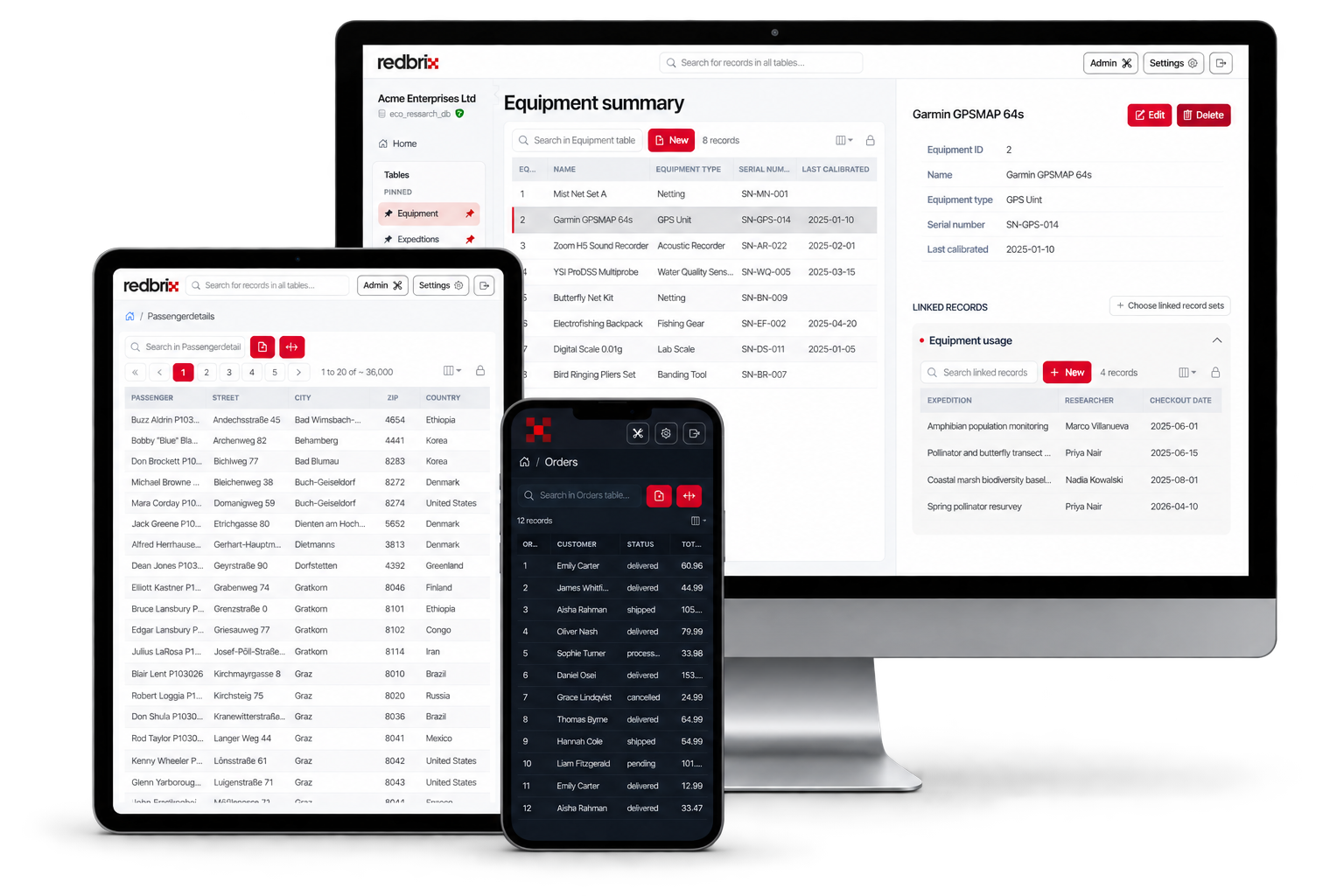
Redbrix gives anyone a clean, intuitive interface for your existing MySQL, MariaDB or PostgreSQL database. No SQL knowledge required.
Redbrix runs in your browser — there's nothing to install. Just connect to your database and go.
Everything you need
Power without the complexity
Built for developers who want speed, and non-technical users who need simplicity. Redbrix gives both.
Fast, intuitive interface
Browse tables and edit your data with a clean, modern UI.
Zero install
No installation or configuration required. Just enter your database connection details and you're away.
Secure by design
Connections encrypted with TLS by default, and your data is never cached or stored.
How it works
Up and running in 60 seconds
Create a Redbrix account
Simple email login or sign in with Google or GitHub.
Add a database connection
Enter your host, username, database name and password.
Explore, query, and edit
A fast, intuitive interface for everyday database work.
Security
You own your data. Always.
- By default, your password is never stored. For Team plans, in order to share a connection easier with members of a team, an administrator can choose to save a shared connection's password but this is an opt-in feature.
- Your browser's connection to Redbrix is always encrypted. So is the connection from Redbrix to your database, by default. If your server doesn't support TLS, Redbrix says so rather than downgrading silently, and connecting without encryption is an explicit choice you make.
- Your data remains exclusively yours. We never access it, copy it, use it for analytics, or share it with third parties.
Connection architecture
Ready to see your database in a new light?
Free forever for solo use. No credit card. No install. Works with any MySQL, MariaDB, or PostgreSQL server.